Journal · printing
Will this photo print well at that size? The honest math.
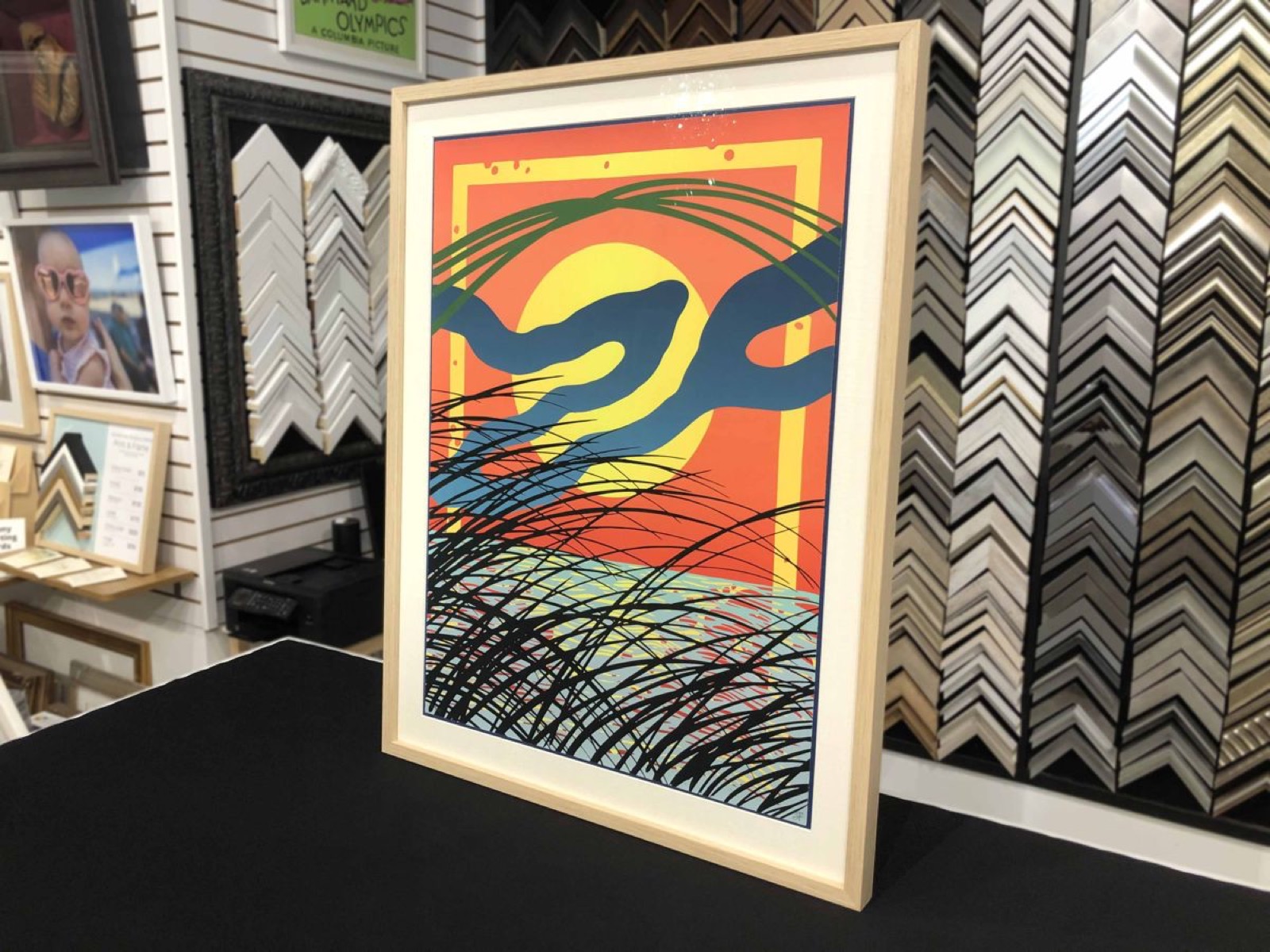
It's the question we hear most at the counter, usually with a phone already held out. The answer is one division problem, and your phone is a better camera than you think — the problem is almost never the phone. It's what happens to the file on the way to us.
We can't invent pixels you don't have.
The one number that decides it
Take the pixel dimensions of your file and divide by the print size in inches. That's PPI — pixels per inch. Our designer runs this exact check live as you pick sizes, with the same thresholds we use at the bench:
| Meter reading | PPI | What it means on paper |
|---|---|---|
| Excellent | 300+ | Gallery-sharp at reading distance. Nothing to think about. |
| Good | 100+ | Clean at normal viewing distance — where most wall art lives. |
| Marginal | 70+ | Fine across the room, soft up close. Worth a size down if it's a detail-heavy image. |
| Too low | under 70 | We'd rather tell you than print it. Pick a smaller size or find the original file. |
One promise behind those numbers: we never enlarge a file past what it holds. If your photo supports 120 PPI at your chosen size, the print master is made at 120 — sharpened and color-managed, not blown up and blurred. The meter warns you long before anything reaches paper.
What a phone photo can really hold
A standard 12-megapixel phone photo is 4032×3024 pixels. Run the division and it goes further than most people expect:
| Print size | PPI from a 12-MP photo | Meter says |
|---|---|---|
| 8×10″ | ~400 | Excellent |
| 16×20″ | ~200 | Good — comfortably |
| 24×36″ | ~110 | Good |
| 30×40″ | ~100 | Good, right at the line — hover the preview and judge the detail yourself |
Newer phones shooting 48 MP push those numbers far higher. The camera is rarely the ceiling.
Where good files go to die
Nearly every "too low" file we see was a fine photo that got squeezed somewhere between the camera roll and us:
- Screenshots. A screenshot of a photo is the screen's resolution, not the photo's. Find the original in your camera roll.
- Messaging apps. WhatsApp and Messenger compress hard by default. Email the original at "actual size," AirDrop it, or upload straight from the camera roll — the designer takes iPhone HEIC files as-is.
- "Save image" from social media. Instagram stores a small copy. Whoever posted it has the real file — ask for that one.
- Heavy cropping. Cropping to a quarter of the frame keeps a quarter of the pixels. Crop gently, or recompose in the designer — its crop is applied to the full-resolution original, so you lose nothing.
For the pros and the careful
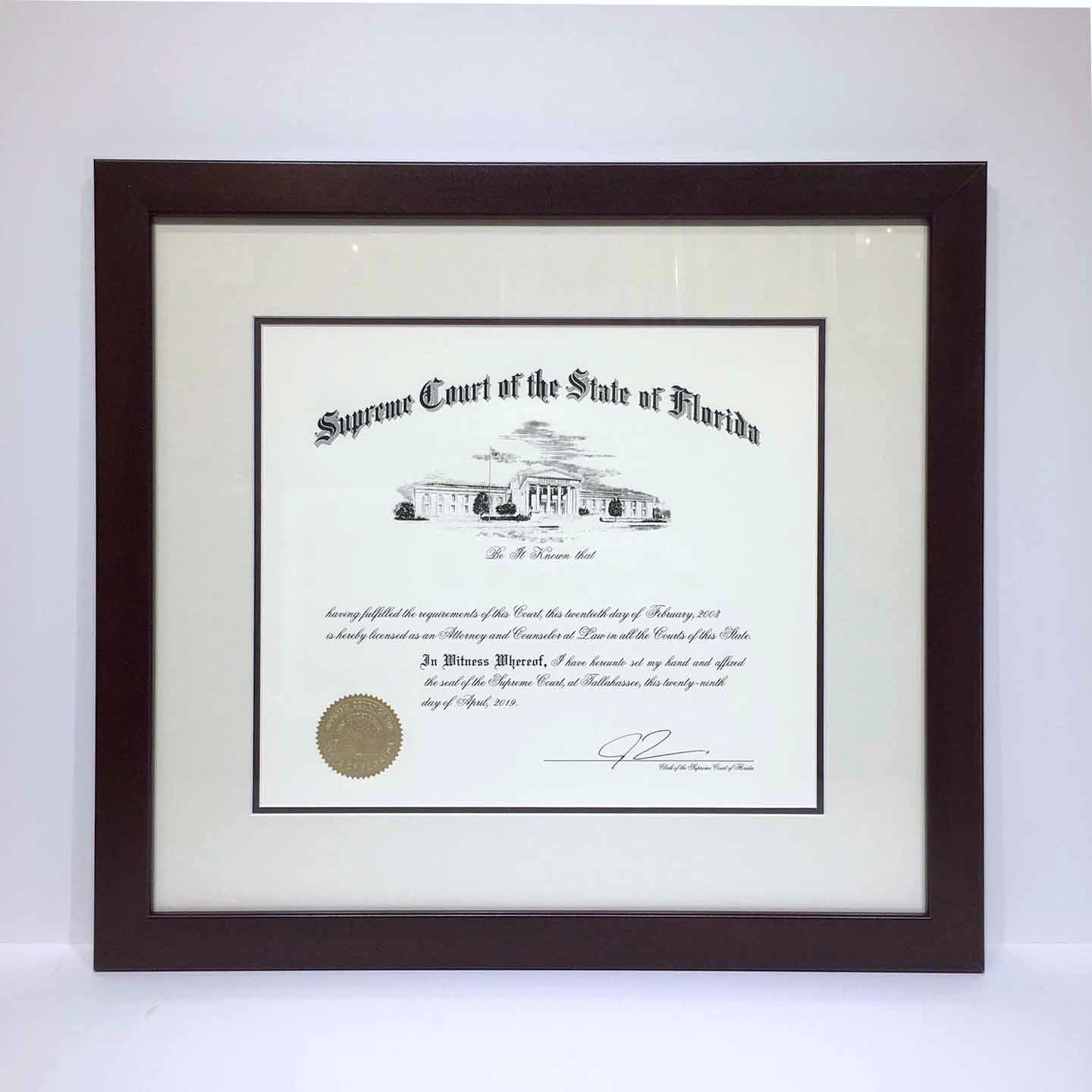
TIFF is welcome, including 16-bit. Working in Adobe RGB or another wide space is fine too — every print master is color-managed to the printer properly (ICC-aware, converted correctly, never stripped). Shooting RAW? Export a full-size JPEG or TIFF and send that. And if the piece is a scan of something physical — a painting, a document, an old photograph — send us a photo of it first; sometimes rescanning is the difference between a print and a keepsake.
Ways in
Upload your photo and read the meter · What giclée means here · Cold Press vs Luster · Ask a framer.
The meter is faster than the worry.
Upload the photo, pick the size, and know — before anything is printed.
Check my photo